The Create Ribbon will open in Word alongside the Office ribbons. Certain functions will open Task Panes. The Side Bar contains key functions plus the Author function, when a user has permission.
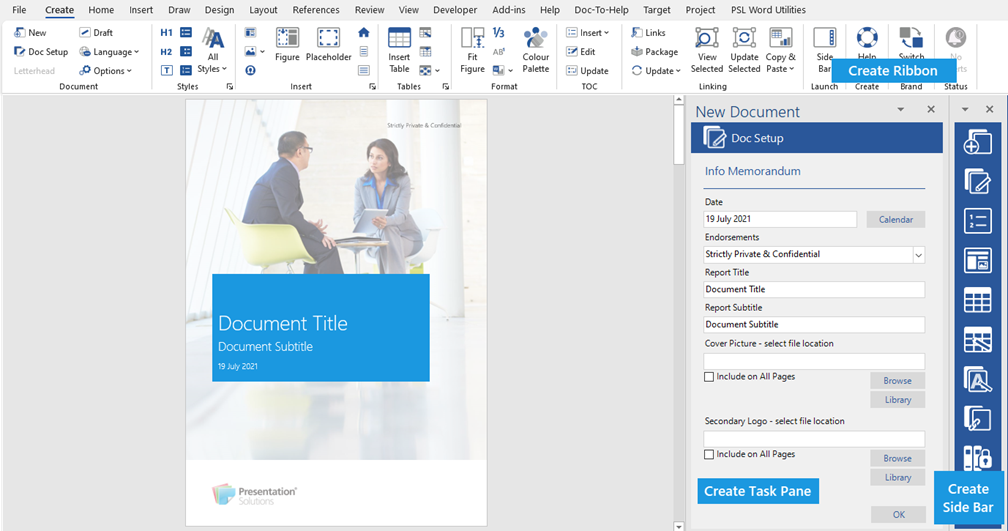
For functions which can be accessed from the Ribbon and the Side Bar, we’ll show you how to access from both locations, for example,
Doc Setup on the ribbon
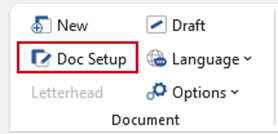
Doc Setup on the side bar

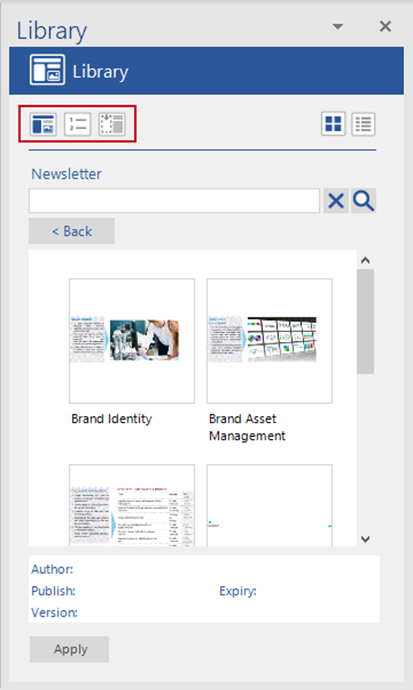
Within task panes there are related functions – select one of the small icons on the left to toggle to the function.
As you click on an icon, the relevant panel will open on the task pane.
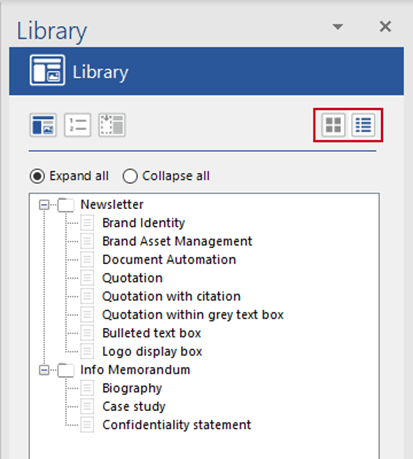
You can change views in some task panes by clicking the list or thumbnail icons on the top right.
Was this article helpful?
That’s Great!
Thank you for your feedback
Sorry! We couldn't be helpful
Thank you for your feedback
Feedback sent
We appreciate your effort and will try to fix the article