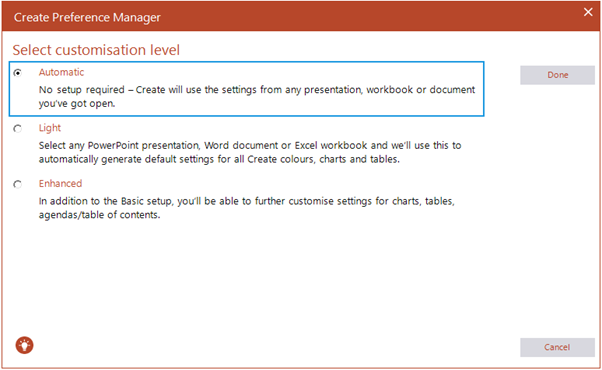
The Automatic customization level will use the settings from the presentation, workbook or document that you have open. To import the setting into the Create toolbar, choose the Automatic option and select Done.
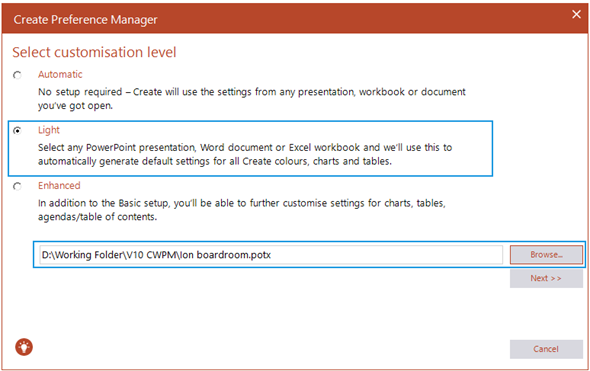
The Light setting will import the settings from any saved Office document. Simply browse to select the document and the colour palette, tables and chart settings will be pulled into Create and give you the option to update your computer, export the settings to a zip file or save a temporary copy that you can finalize at a later time.
- Colours
- Basic tables
- Basic charts and charting features
- Text formats
Was this article helpful?
That’s Great!
Thank you for your feedback
Sorry! We couldn't be helpful
Thank you for your feedback
Feedback sent
We appreciate your effort and will try to fix the article