Introduction
The recommended installation method for Office add-ins which is supported by Microsoft is ClickOnce. However, if you require an MSI to distribute by a computer management system such as SCCM and the recommended method is not possible, then please contact support@presentationsolutions.co.uk to request an MSI for Create.
The MSI installs the application files in Program Files rather than within the user profile location used by ClickOnce. If you are installing the MSI on a pc that currently has Create installed by ClickOnce then you must uninstall the ClickOnce version from Control Panel | Programs and Features first.
The MSI will require administration rights to install.
The pre-requisites Microsoft .NET Framework 4.6.2 (for Create 10.0–10.4) or Microsoft .NET Framework 4.6.2 (for Create 10.5 onwards) and Microsoft Visual Studio 2010 Tools for Office Runtime (VSTO 4.0) must be installed on the user’s PC before installing Create V10 from the MSI.
MSI – First Installation step-by-step
You will be emailed a link to download the MSI file from our webserver.
- Install the pre-requisites (.NET first and then VSTO 4.0) – see Article: System Requirements
- Run the MSI Installer and click Next
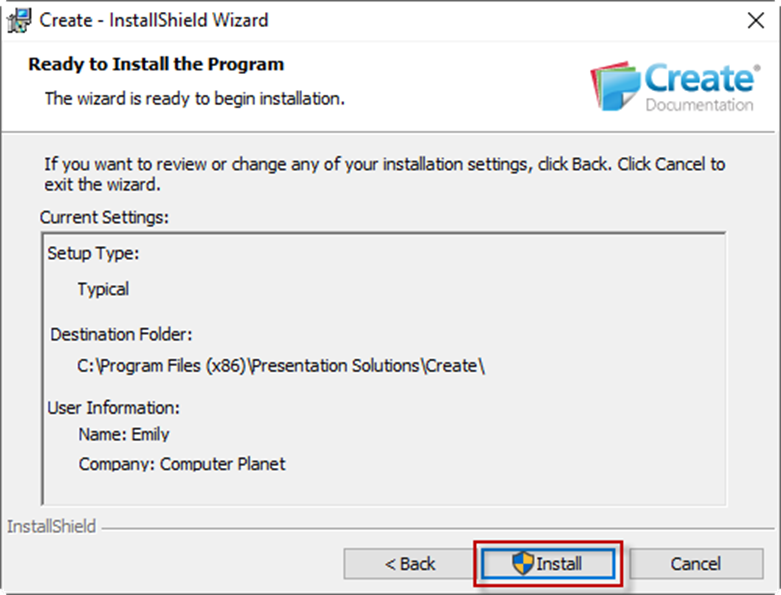
- Click Install. At this point you will be asked to supply admin credentials if the current login does not have administration rights.
- A progress bar will appear.
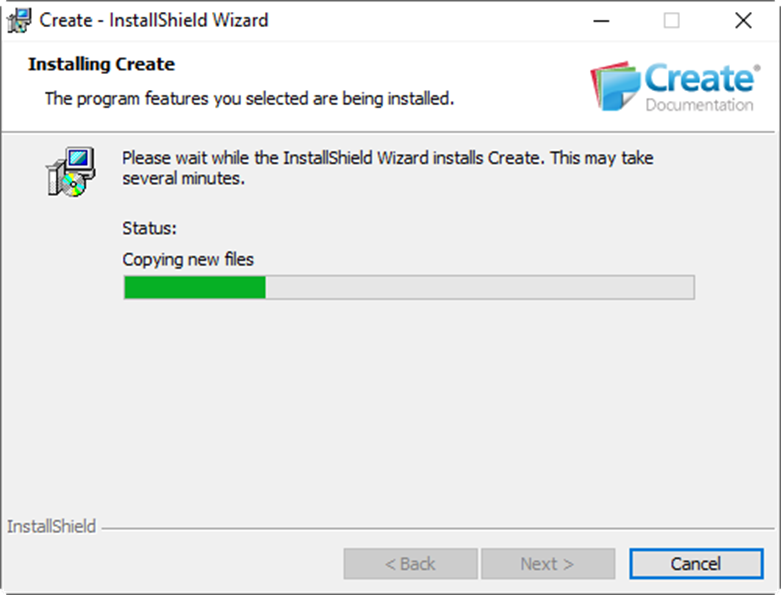
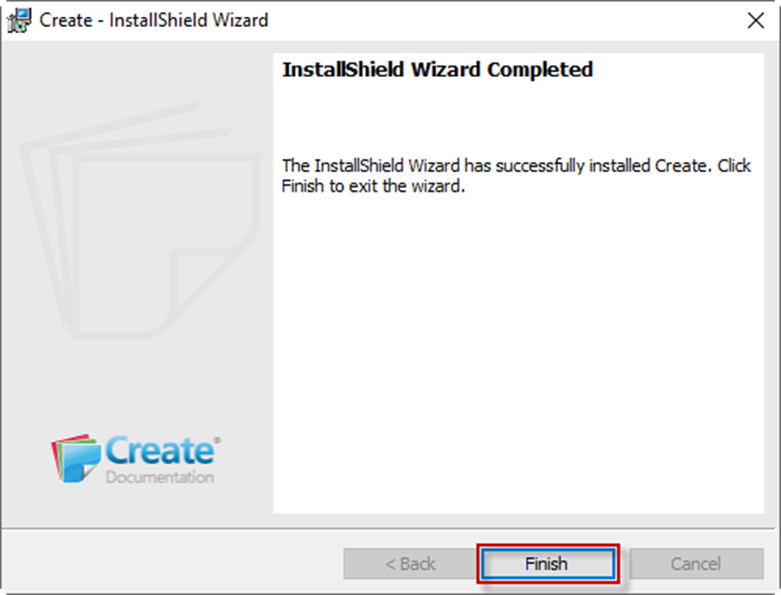
- When the installation has completed, click Finish.
MSI – Installing an Update
When a software update is available, we will send an updated MSI. It will be possible to install the new MSI over the top of the existing installation without the need to uninstall. However, if you are installing the MSI on a pc that currently has Create installed by ClickOnce then you must uninstall the ClickOnce version from Control Panel | Programs and Features first.
Note: the Check for Updates option that is described in Article: Updating Create and the Create Help is a ClickOnce function and it will not appear on the Help menu for versions of Create installed by MSI.
Was this article helpful?
That’s Great!
Thank you for your feedback
Sorry! We couldn't be helpful
Thank you for your feedback
Feedback sent
We appreciate your effort and will try to fix the article