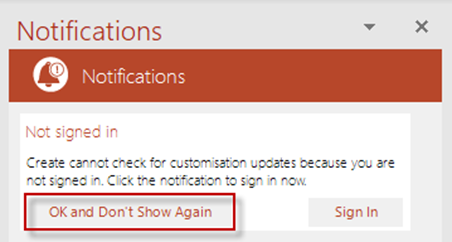
Your organisation may have chosen not to use the Cloud. In this case users should open the Notifications pane and select the option OK and Don’t Show Again to dismiss the notification to continue working with Create without the Cloud. Once this button is clicked, users will not be prompted to sign in again. If you choose to use the Cloud later on, the dialog to sign in can be prompted at any time by using the option at the bottom of the Help menu described below.
Was this article helpful?
That’s Great!
Thank you for your feedback
Sorry! We couldn't be helpful
Thank you for your feedback
Feedback sent
We appreciate your effort and will try to fix the article