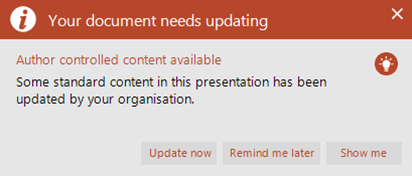
If you have opened a PowerPoint presentation that contains updateable assets that have been updated, this message will appear.
Click Update to update the assets in your presentation or Remind me later to close the message without updating the content – the message will reappear until you update.
Click Show me to open the Author Controlled Content pane.
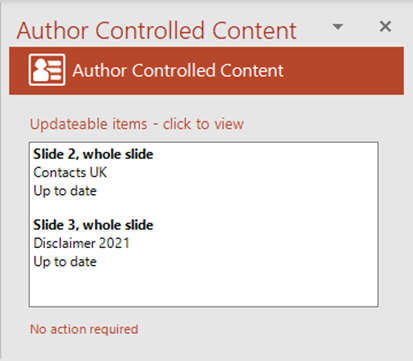
The Author Controlled Content pane will open listing the assets that have been updated.
Click on an item in the list to go to that place in the presentation.
Deleted assets will also be listed here but they will not be deleted from your presentation.
If you have opened a PowerPoint presentation that contains updateable assets that have not been updated, this message will appear – for information only.
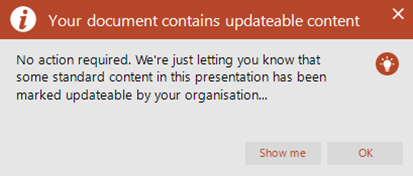
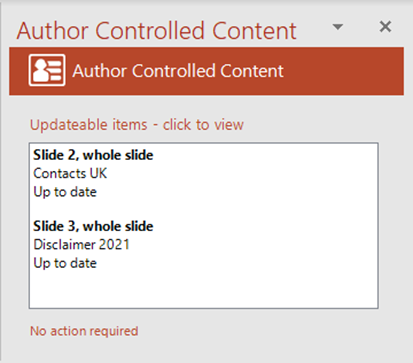
Click Show me to view the content or OK to close the pane.
Related Topics
Was this article helpful?
That’s Great!
Thank you for your feedback
Sorry! We couldn't be helpful
Thank you for your feedback
Feedback sent
We appreciate your effort and will try to fix the article