Assets are uploaded by designated authors within your organisation and can be marked as updateable.
The Alerts button will be enabled if:
- there have been updates to your brand files from Presentation Solutions
- there have been changes to any updateable PowerPoint assets in your brand
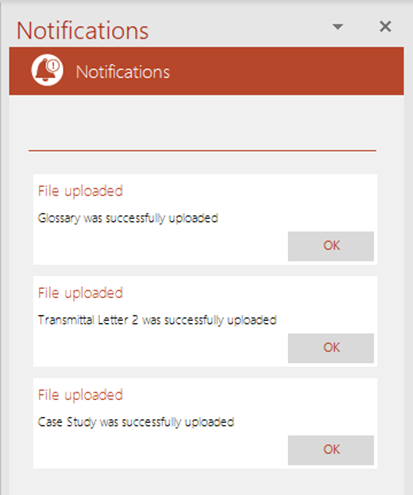
- an author (including yourself, if you are an author) has uploaded new assets to Create in PowerPoint, Word or Excel.
The Notifications panel will display the same information whether you are in PowerPoint, Excel or Word (if your version of Create includes Word). The examples below are from PowerPoint.
Click on New Alerts in the ribbon.
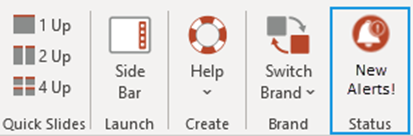
The Notifications task pane will open.
If there have been updates to any files in your brand, the Brand name updated message will appear.
Click OK to open the next pane which will list the updates.
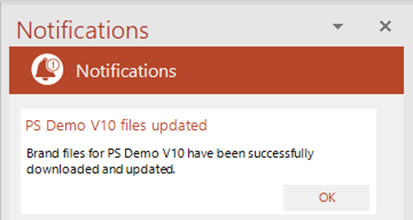
The files will be uploaded and you can close the task pane.
This information will be the same in PowerPoint, Excel and Word (if Word is included in your Create customisation).
| Notes If you do not select it, the New Alerts button will remain enabled and any updated assets in your presentation will not be updated. |
Related Topics
Was this article helpful?
That’s Great!
Thank you for your feedback
Sorry! We couldn't be helpful
Thank you for your feedback
Feedback sent
We appreciate your effort and will try to fix the article