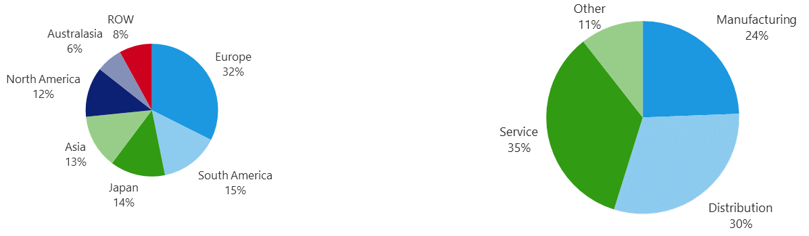
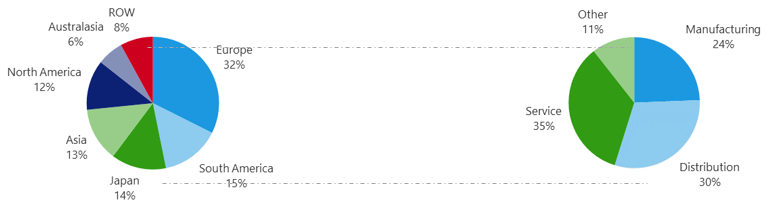
This function copies the size of the chart area, the size of the plot area and the position of the chart so that these attributes can be applied to the plot area of another chart resulting in consistency in the look of charts.
Before using the copy/apply size function
After using the copy/apply size function
Firstly, make you sure have formatted and resized all charts to fit the placeholders in PowerPoint or the exhibits in Word.
Select the chart whose properties you wish to copy.
Select Copy Size on the ribbon.

To apply the properties to another chart, select the chart and select Apply Size.
Apply to more charts if required.

Was this article helpful?
That’s Great!
Thank you for your feedback
Sorry! We couldn't be helpful
Thank you for your feedback
Feedback sent
We appreciate your effort and will try to fix the article