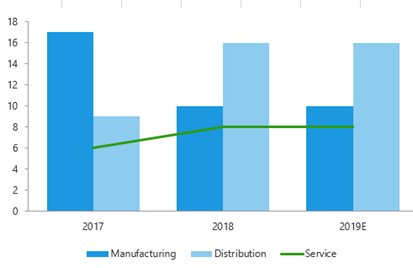
This function changes the chart type of a selected series to a line.
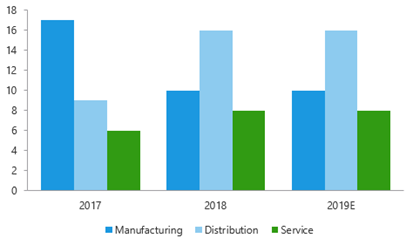
Select the chart.
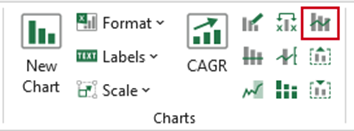
Select Make Line on the ribbon.
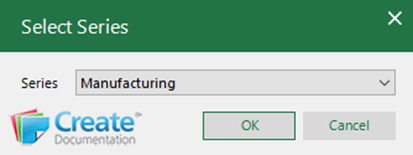
From the Series dropdown, select the series that is to be made into a line.
Click OK.
The chart type of the selected series will become a line.
Was this article helpful?
That’s Great!
Thank you for your feedback
Sorry! We couldn't be helpful
Thank you for your feedback
Feedback sent
We appreciate your effort and will try to fix the article