To create a Bar Gantt chart, select the data range (the label, low and high ranges but NOT header rows).
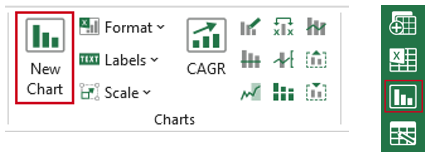
Select New Chart in the ribbon or side bar.
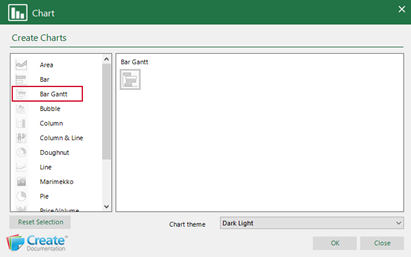
- In the Chart dialog, select Bar Gantt.
- Select the required custom chart theme from the dropdown (the chart will be formatted accordingly).
- Click OK.
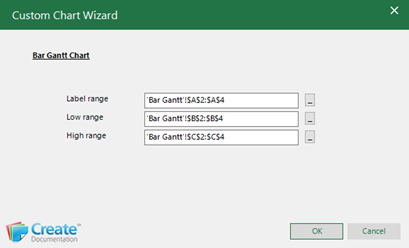
The Custom Chart Wizard will open with the fields populated based on your selection.
- Make any changes to the fields by clicking on the button at the end to collapse the dialog and selecting the correct data.
- Click OK.
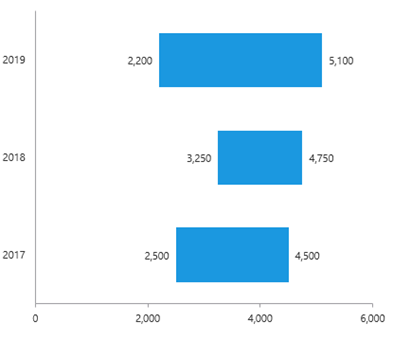
The formatted Bar Gantt chart will appear on the worksheet.
Save the workbook. Send to PowerPoint or Word using Quick Send.
| Notes Use the Average function to add an average line or area to the Bar Gantt chart. See Article: Adding an Average Area or Line. |
Was this article helpful?
That’s Great!
Thank you for your feedback
Sorry! We couldn't be helpful
Thank you for your feedback
Feedback sent
We appreciate your effort and will try to fix the article