This function changes the chart type of the existing selected chart and applies a theme.
Select the chart and select Change on the ribbon.
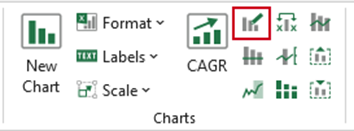
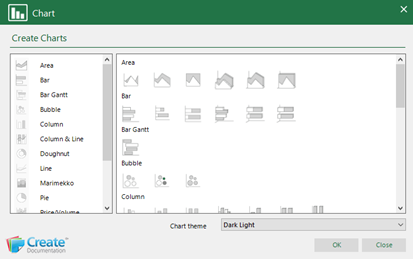
The Chart dialog will open with the available chart types.
- Select a chart type and a chart theme.
- Click OK.
| Notes This function will work on standard charts rather than charts that have been created using the custom chart wizard such as Bar Gantt or waterfall. |
Was this article helpful?
That’s Great!
Thank you for your feedback
Sorry! We couldn't be helpful
Thank you for your feedback
Feedback sent
We appreciate your effort and will try to fix the article