This will undo the previous Create action such as, for example, applying a table or chart format. The Create Undo function is enabled for certain Create functions and will store the last 15 supported actions.
The native Excel Undo function (CTRL +Z) will work on native functions.
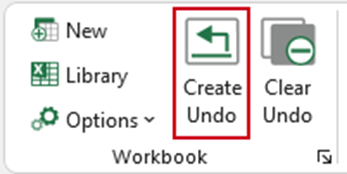
Create Undo-enabled functions:
- Tables, Format Selection
- Apply a border from the Borders task pane
- Apply a text format from the Formats task pane
- Format, Multiply/Divide
- Format, Number
- Format, Colours
- Format. IfError
- Charts, Format
- Charts, Change
WARNING: clicking Create Undo will return the chart or data range to the format that was applied before the Create action that was undone. Therefore, some actions applied after the undone action (using native Excel actions or actions applied with Create functions that are not supported by undo) may also be undone.
When the workbook is saved the undo list is cleared automatically, the Create Undo button will be greyed out and previous Create actions will not be able to be undone.
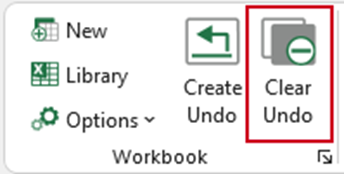
Clear Undo
This function will clear the Create Undo list, thereby preventing any previous Create actions being “undone”. At the same time, it will clear any underlying data (including any Excel Very Hidden Sheets) that have been stored in the workbook for Create Undo to work. This happens automatically when the workbook is saved so it’s only necessary to use this function if you wish to clear the undo list manually.
The Clear Undo function will only be available if the Create Undo function is enabled – otherwise it will be greyed out.
Was this article helpful?
That’s Great!
Thank you for your feedback
Sorry! We couldn't be helpful
Thank you for your feedback
Feedback sent
We appreciate your effort and will try to fix the article