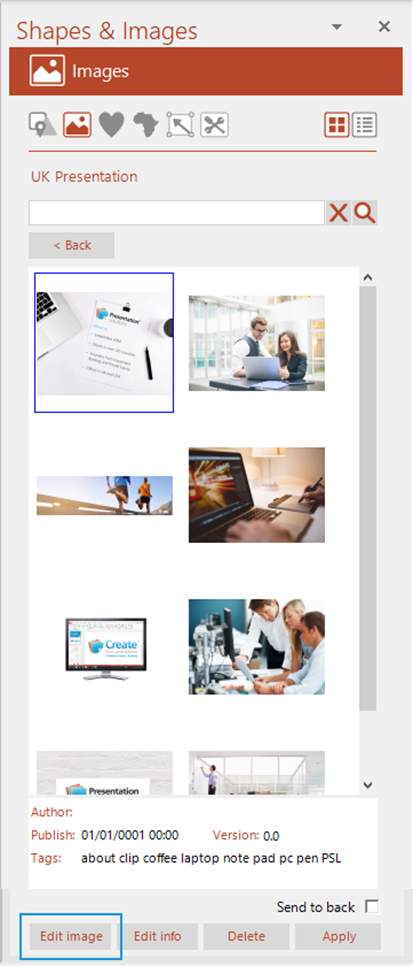
If you are an author and you wish to replace an existing author-generated image:
- Save the new image so that you can browse to its location.
- Open the pane at the Images panel.
- Select the image you wish to replace in the Layouts task pane and choose .
- Browse to the location of the new image.
- Click .
The new image will be uploaded and replace the old one.
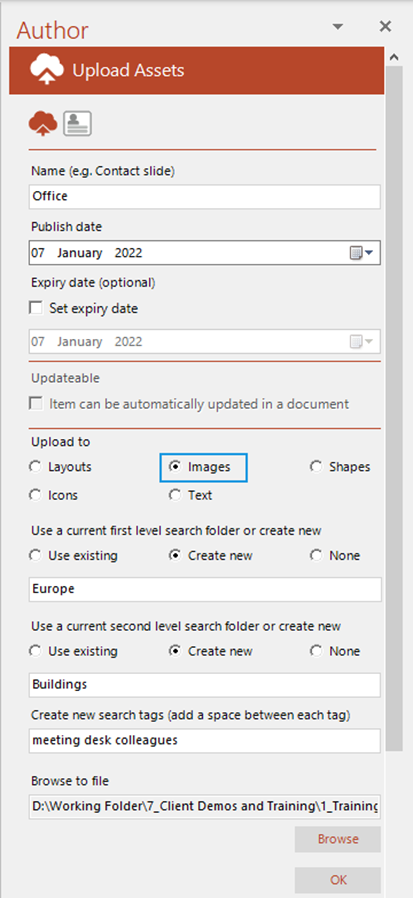
The task pane will open and the existing information for the image will be displayed.
- Make any required changes to the information and click .
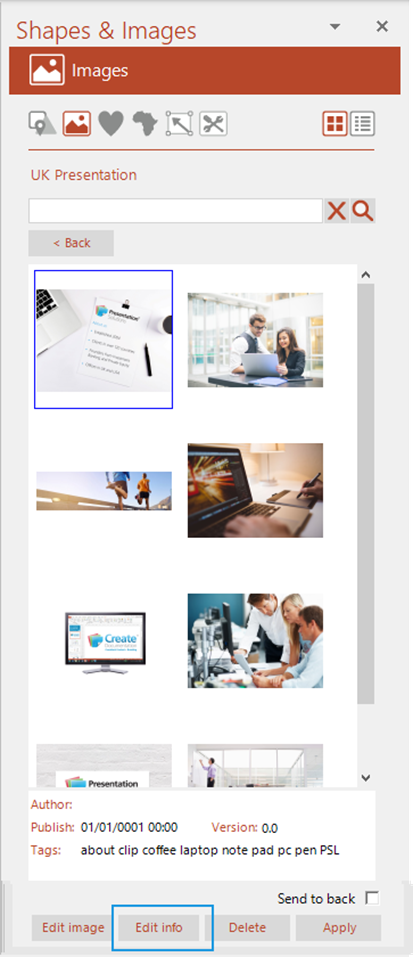
If you are an author and you wish to edit the info of an existing author-generated image:
- Open the pane at the Images panel
- Select the image whose info you wish to edit and select .
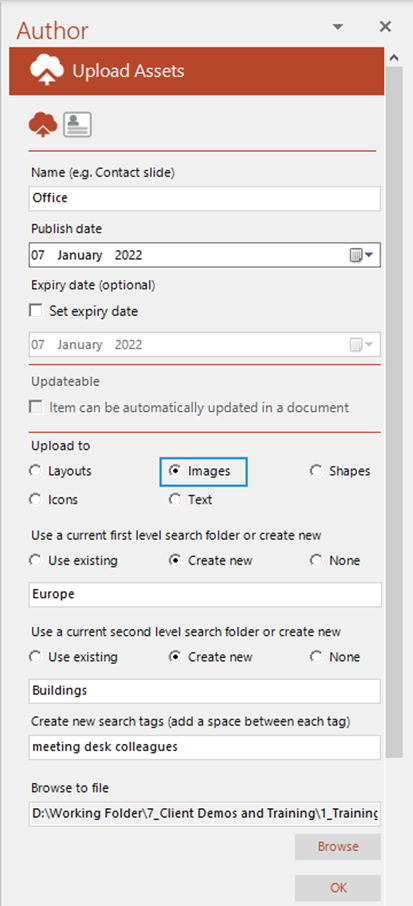
The task pane will open and the existing information for the image will be displayed.
- Make any required changes to the information and click .
Related Topics
Was this article helpful?
That’s Great!
Thank you for your feedback
Sorry! We couldn't be helpful
Thank you for your feedback
Feedback sent
We appreciate your effort and will try to fix the article